Deploy notes for a tunnel
The app listens on loopback, the tunnel holds the certificate, and the host opens no inbound port.
The container publishes on 127.0.0.1:8080. A tunnel client on the same host
opens an outbound connection to the edge and forwards requests to that address.
No inbound port is open, and the edge terminates TLS.
The path of a request
visitor -> edge -> tunnel -> 127.0.0.1:8080 -> binary
Each step does one job:
| Step | Job |
|---|---|
| Edge | TLS, the certificate, the public hostname, DNS |
| Tunnel | Keeps an outbound connection open, forwards to loopback |
| Binary | Routes, renders, sets its own security headers |
The app never learns that a tunnel exists. It sees a plain HTTP request from localhost, because that is exactly what it receives.
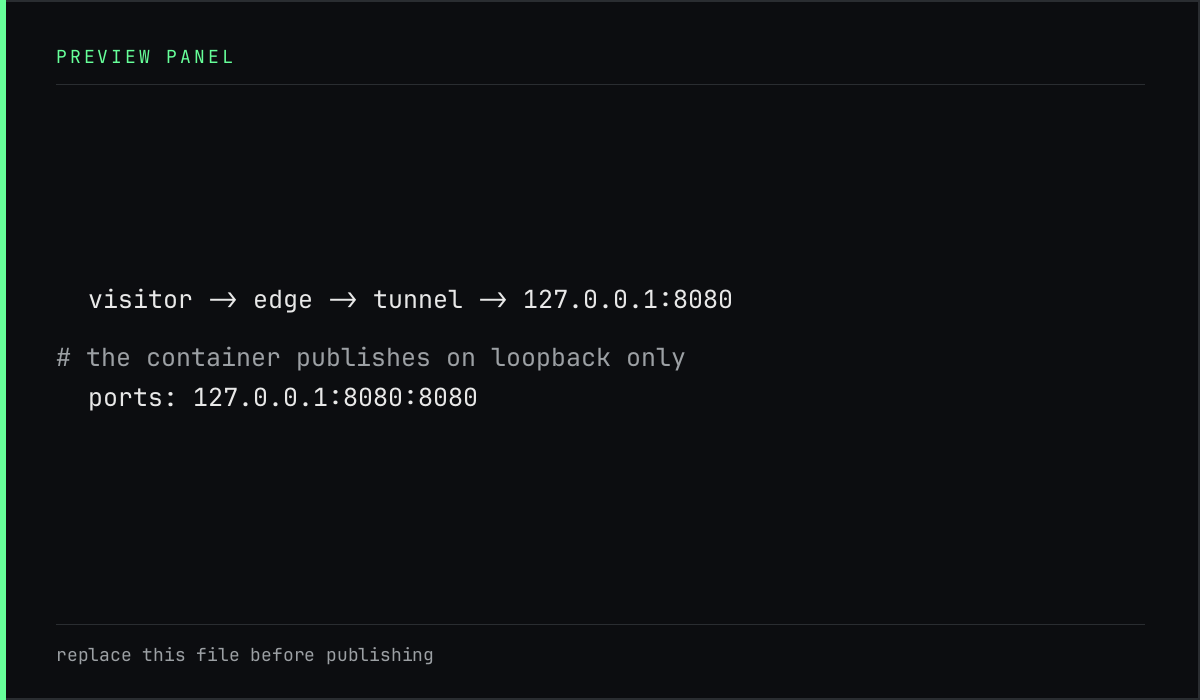
What the compose file keeps private
ports:
  - "127.0.0.1:8080:8080"
The host part before the second colon is the part that matters. Written as
"8080:8080" the port would bind on every interface, which is correct for a
platform that routes to the container itself and wrong for a host that only
needs loopback.
The two settings that break quietly
SITE_URL and the tunnel token are not secrets of the same kind, but both fail
without a clear error.
- A missing
SITE_URLremoves canonical links and makes/sitemap.xmlanswer 404. The site still looks fine, which is why it is easy to miss. - A wrong token makes the tunnel service exit at once.
journalctl -u cloudflaredsays so in one line.
A mistake that changes nothing visible is the most expensive kind to find later, so make the check part of the deploy.
The check after every deploy
curl -I https://example.com/
curl -s https://example.com/robots.txt
curl -s https://example.com/sitemap.xml | grep -c '<loc>'
A 200, a Sitemap: line carrying the public host, and one loc per page plus
one per post. If the last two disagree with the first, the container was built
without the origin.
Rolling back
The previous source is still in Git, and the image is built from it, so a rollback is a checkout and a rebuild. There is no migration to reverse, because there is no database to migrate.
git checkout <previous-commit>
podman compose down
podman compose up -d --build
The down first is not decoration. A running container can otherwise keep the
old image, and the rebuild appears to do nothing.